
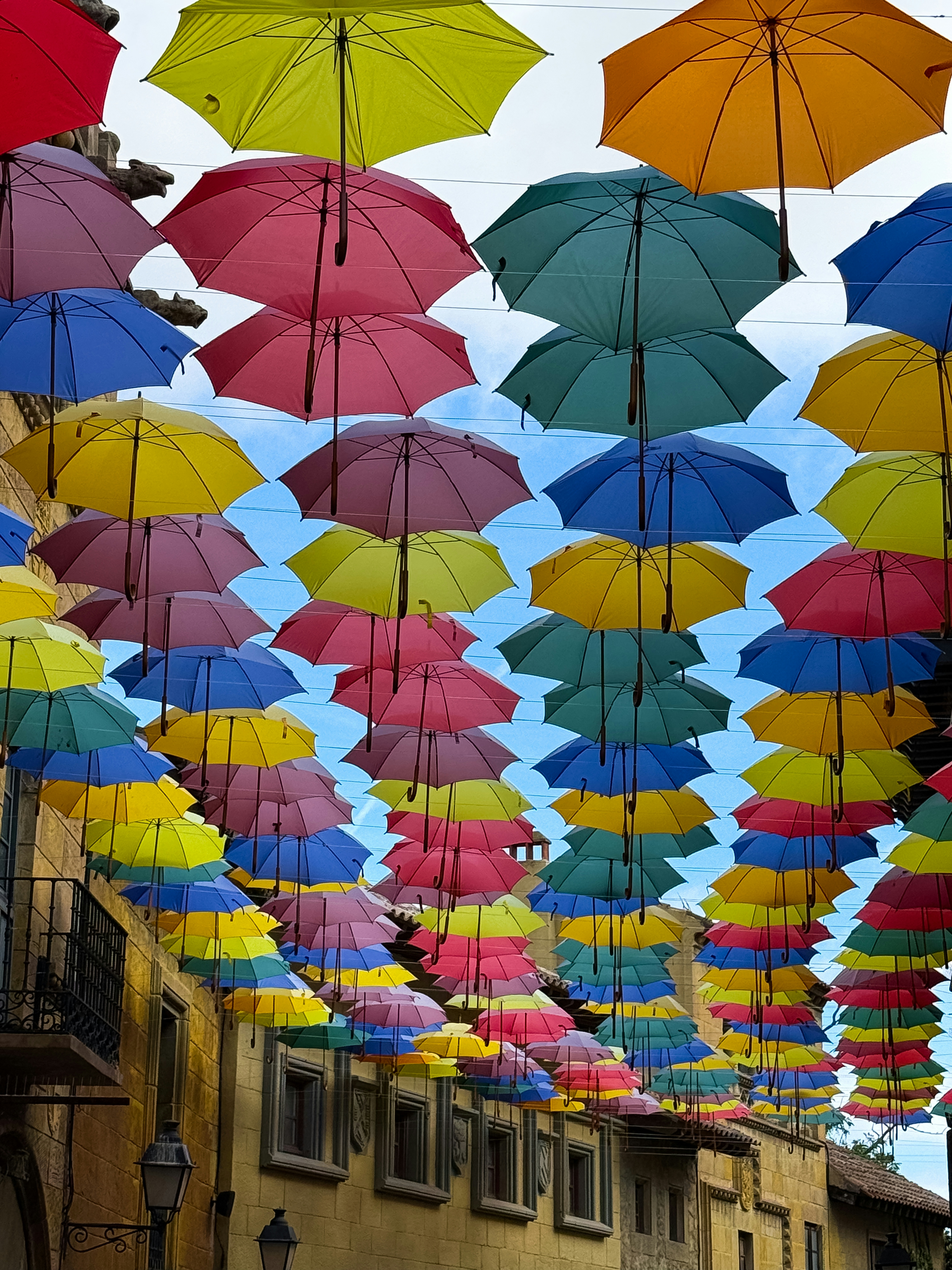
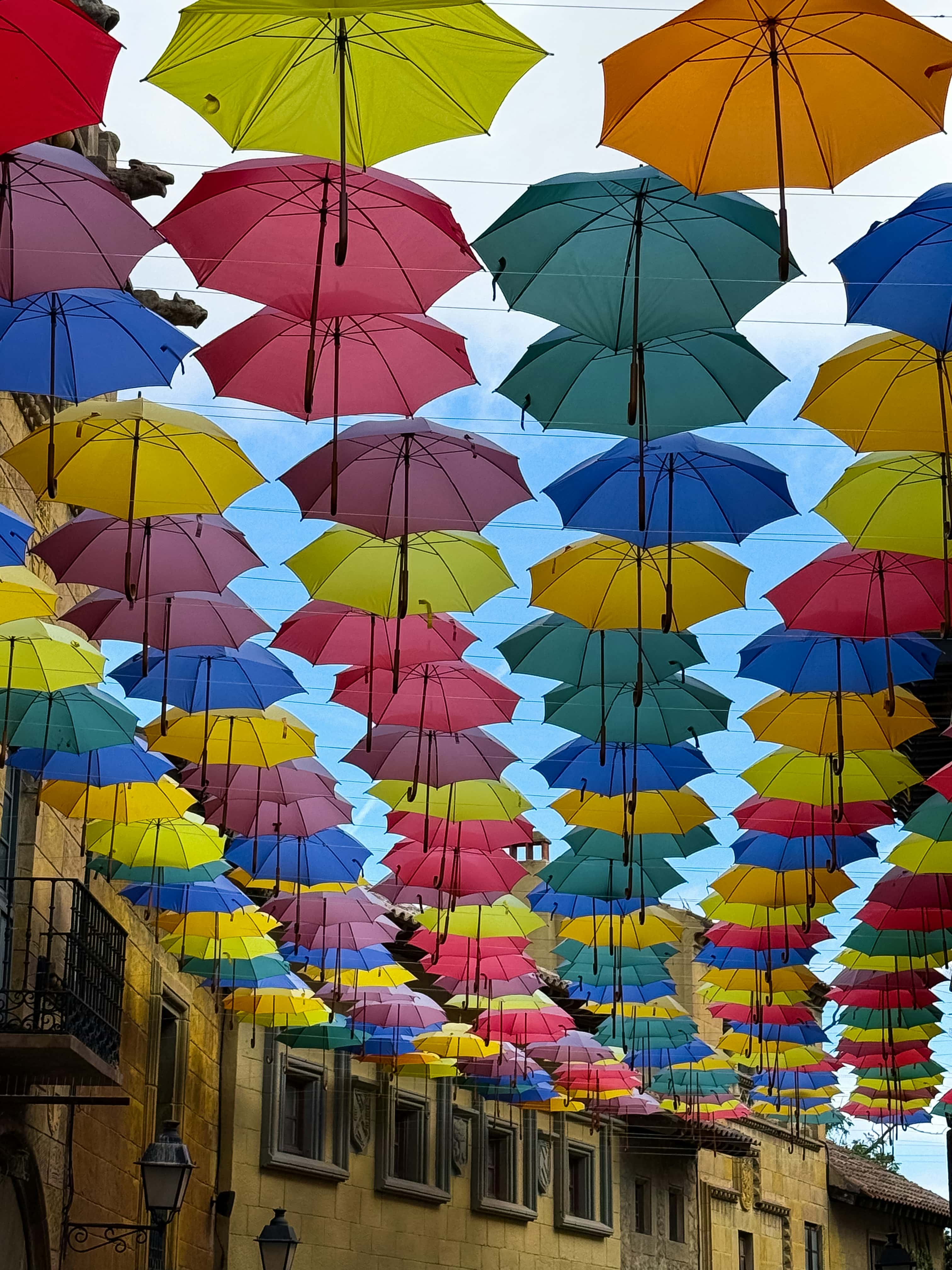
Useful for blog body images and product grids
A JPG resizer is especially useful when editors are shipping one oversized master image into many smaller slots. Matching the real slot size removes weight before quality tradeoffs even begin.
Reduce JPG dimensions to match the real layout size first, then compress further only if the file is still too heavy.
自定义 · 保留原始格式 · 智能优化(推荐) · 文章正文 (1200px)
你也可以点击选择文件。
支持格式:JPEG、PNG、WebP、AVIF
Pro 支持一次压缩整个文件夹和 ZIP。
部分格式可能会因浏览器环境而产生不同结果。
这张沙漠照片是在 KaruImg 中用与首页相同的浏览器本地流程压缩得到的。拖动滑块,对比细节保留和文件体积下降的效果。
示例照片授权来源 Unsplash
If the image is much larger than the slot it fills, resizing usually improves page weight more safely than pushing compression harder.
A JPG resizer is especially useful when editors are shipping one oversized master image into many smaller slots. Matching the real slot size removes weight before quality tradeoffs even begin.
Once the pixel count is closer to the display size, the file often becomes easier to compress without visible damage. That order keeps optimization cleaner and easier to trust.
在保持简单流程的同时,图片处理只在浏览器内完成,是否保留原文件的判断也更加稳妥。
无需上传,直接在 Web Worker 中运行,快速且安全。文件不会离开你的设备。
如果没有体积收益,就不会强行牺牲画质,而是安全地保留原图。
没有复杂的质量滑块。系统会分析每个文件,并自动选择最合适的压缩设置。
零配置 • 本地优先 • 隐私优先